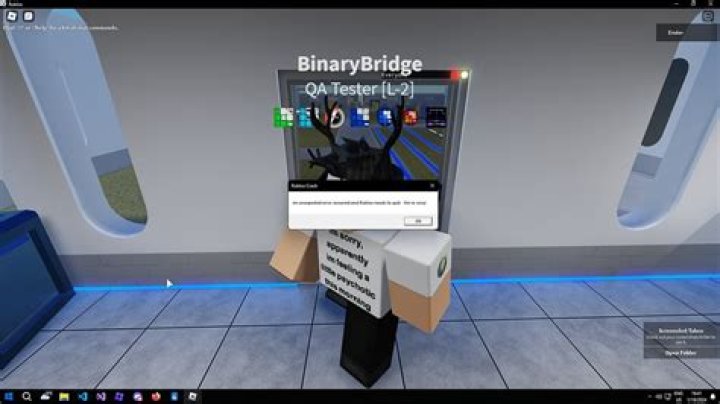
I have a problem where I cannot get Roblox Player to fully launch when trying to connect to an Experience (A game). After clicking the play button, the white box with the green progress bar and the Roblox logo pops up, but once it goes away, the Roblox process is basically killed (from what I see in the Task Manager). I can't figure out why this is happening. I've tried a lot of solutions suggested by the Roblox Support Team, myself, and other websites, but none of those solutions seem to work. I hope I do not need to wipe my system or re-install Windows I think this problem may require an advanced solution.
System specs:
- GTX 1650 LP (4GB)
- i5-4590 3.3GHz
- 480gb Kingston SSD
- 500gb WD HDD
- 16gb RAM 1666MHz
- (forgot my PSU)
OS: Windows 10 Pro. Version 21H1 (OS Build 19043.1202)
I currently do not have MSI Afterburner, nor the Rivatuner programs installed for my GPU which have interfered with other programs before.
If anyone needs more info like Logs or something, I'll gladly provide the information in a reply.
61 Answer
Although I can’t say for certain why this is happening, there may be a fix.
Delete robloxLauncher.exe, then try installing Roblox from the Microsoft Store.
Roblox from the Microsoft store also has better loading time.
Note: the problem might not be your device, it might be that something is blocking roblox.com’s ability to open robloxLauncher.exe, (the application) but I’m just theorizing.
Hope this helped.
4